Practice guides for MTD for Income Tax
11 short briefings aimed at accountants and bookkeepers, starting with what MTD actually is. Every claim below is drawn from GOV.UK guidance and linked. This is operational information, not tax advice.
- 01What is Making Tax Digital?The plain-English version: who it affects, what changes and when.
- 02Who needs MTD (and when)£50k / £30k / £20k bands, HMRC letters and what still sits on Self Assessment.
- 03MTD qualifying income, worked outWhat counts towards the threshold, what does not, and the awkward cases.
- 04MTD quarterly update deadlines 2026–27Every due date for 2026–27 and 2027–28, weekdays included, plus penalties.
- 05Quarterly updates for practicesWhat is sent, standard vs calendar periods, soft landing in 2026–27.
- 06MTD for landlordsRental income, joint lets, foreign property and Rent-a-Room under MTD.
- 07MTD software options for sole tradersThe two types of software, what to check, and the 103-product list in numbers.
- 08Digital records clients must keepWhat must be digital, multi-product linking and landlord shortcuts.
- 09MTD checklist for accountantsThe practice rollout in twelve steps, each tied to the GOV.UK source.
- 10Signing up clients as an agentAgent services account, authorisations and per-client signup.
- 11Exemptions & digitally excludedAutomatic exemptions vs applications, and agent applications.
Rolling this out across your client list?
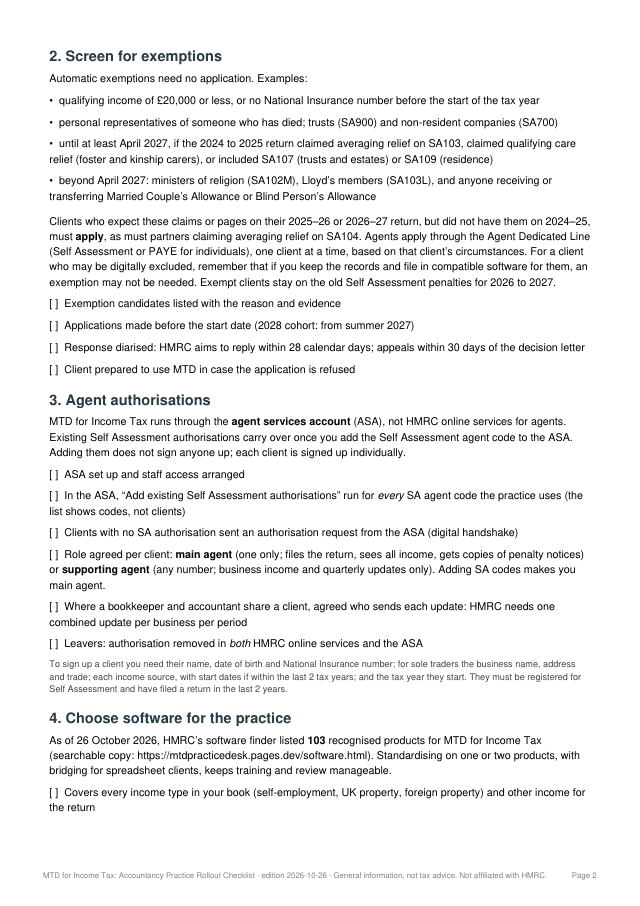
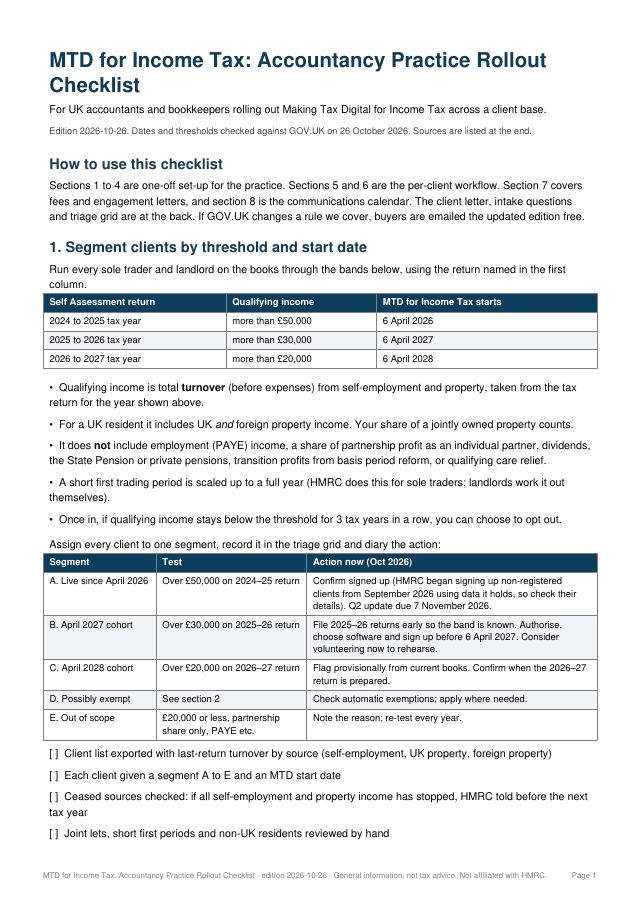
The Practice Rollout Checklist covers the whole client base: segmenting clients by start date, agent authorisations, software, onboarding, fees and engagement letters, and a client communications timeline. 6-page PDF, instant download. The Sole Trader Readiness Checklist is the 4-page version for sole traders and landlords.
The checklist gets clients signed up. QuarterClose gets their records in, every quarter.
QuarterClose chases each sole trader and landlord client against their own quarter, with reminders 14 days and 3 days before the 7th. Clients reply with a photo, PDF or voice note and never get a login. You approve every line, then file in the MTD software you already use.